Home › Free Resources › Templates › Construction Submittal Log
Free Construction Submittal Log Template Excel Workbook
An Excel submittal tracker with one row per submittal and revision: spec section, responsible party, required dates, review dates, status, and automatic overdue flags.
What’s included
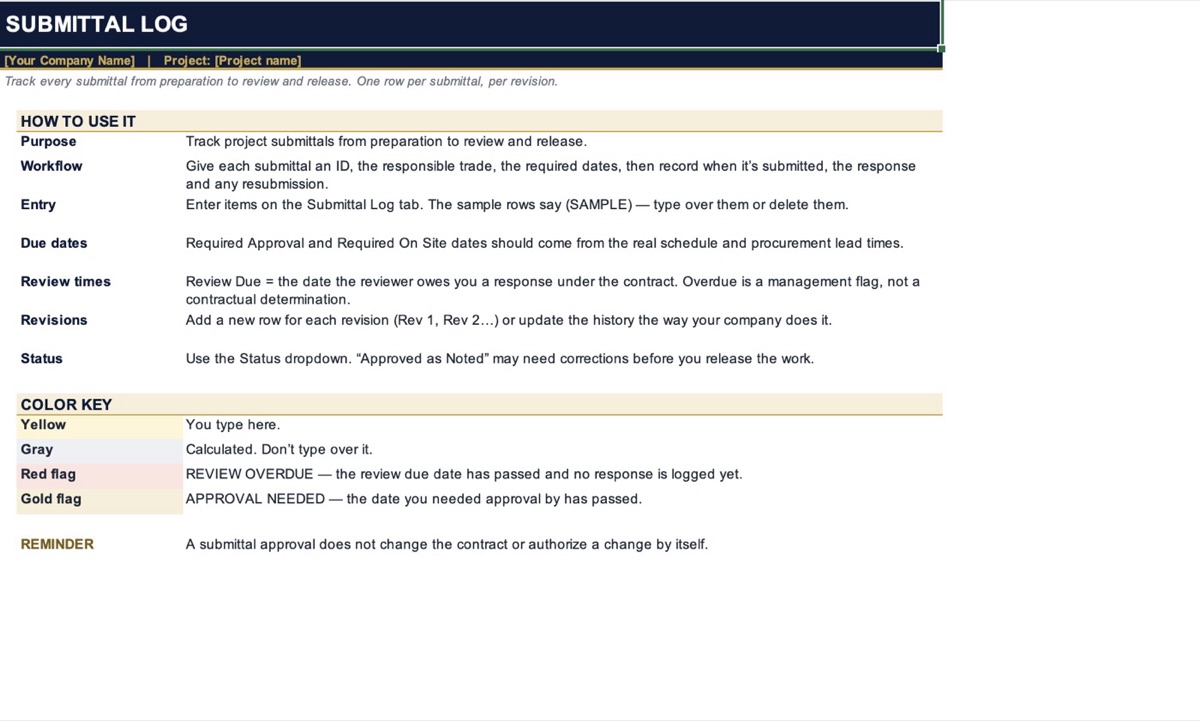
- Start Here tab: how to use the log, a color key, and a reminder that approvals don’t change the contract.
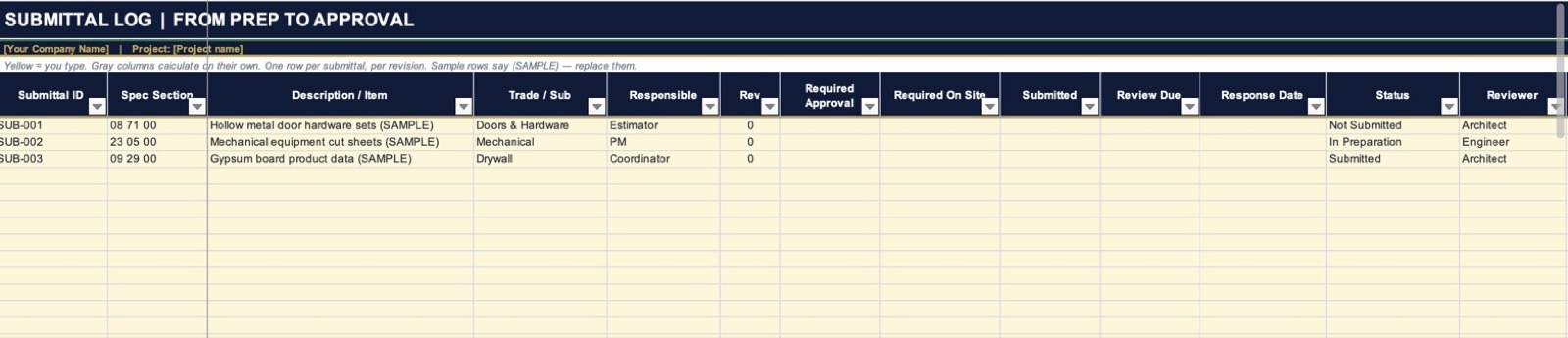
- Submittal Log tab, 200 rows: submittal ID, spec section, description, trade or sub, responsible person, revision, required approval date, required on-site date, submitted date, review due date, response date, status, reviewer, next action and notes or file link.
- Status dropdown: Not Submitted, In Preparation, Submitted, Under Review, Revise & Resubmit, Approved as Noted, Approved, Rejected and Void.
- Automatic flags: “REVIEW OVERDUE” when the review due date passes with no response logged, and “APPROVAL NEEDED” when your required approval date passes. Closed items show “Closed”.
- Days to required approval: counts down to your required approval date and turns red once it’s past.
- Ready to sort and filter: filters on every column, frozen headers, and three sample rows marked (SAMPLE) so you can see how it works.
How to use this template
- Open the Start Here tab and read the color key: yellow is where you type, gray calculates on its own.
- Type your company and project name in the line under the title.
- Add one row for every submittal in the spec, with its spec section, description and the trade responsible.
- Enter the required approval and required on-site dates from your schedule and material lead times.
- When you submit, enter the submitted date and the review due date from the contract.
- When it comes back, enter the response date and pick the status. Add a new row for each resubmission.
Template preview
These are screenshots of the actual file you download. Tap to enlarge.
Get your free template
Enter your email and the download starts right away. No account, no password.
How to manage a construction submittal log
A submittal log should help prevent surprises in the field, not just record paperwork. Here is a simple method for organizing submissions, approvals, resubmissions and procurement dates.
5 Systems Every Growing Construction Company Needs
Simple trackers and routines to keep bids, decisions, purchasing, changes, and cash from slipping through the cracks.
More free templates
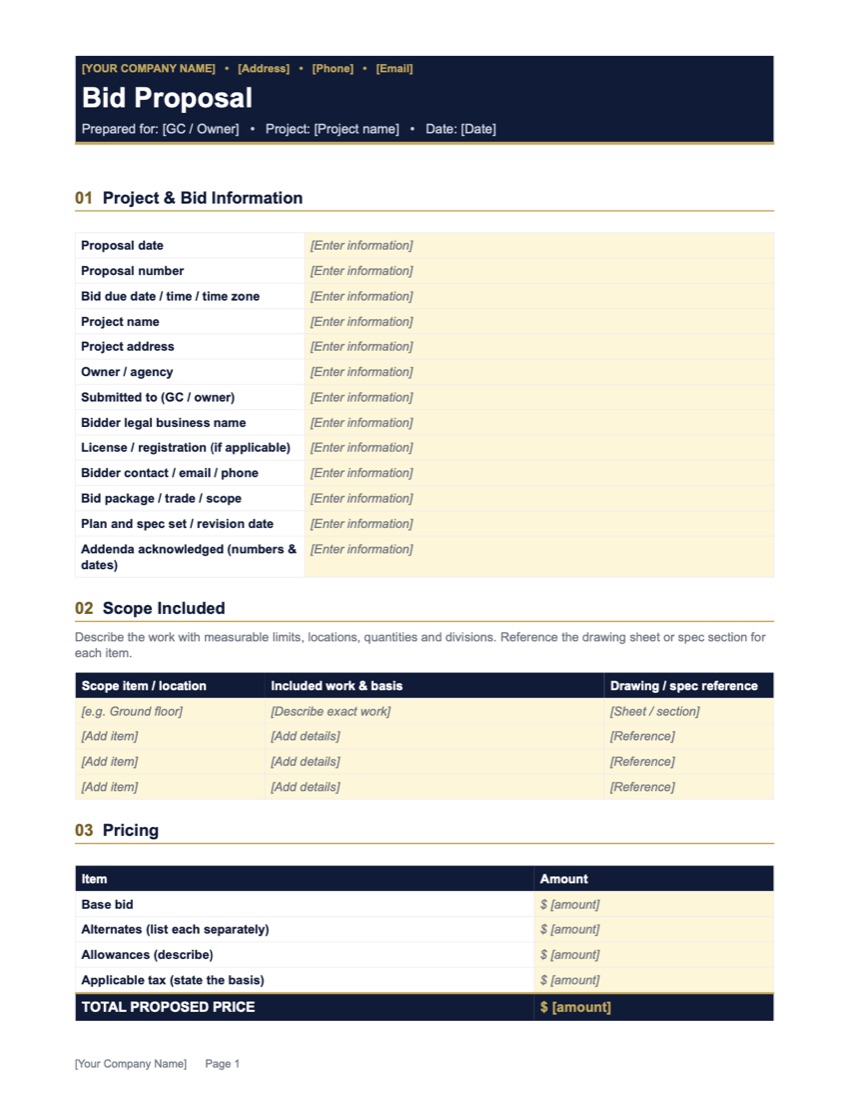
Construction Proposal Template
Project info, scope, pricing, exclusions, schedule terms and signatures. Ready to fill in.
View Template →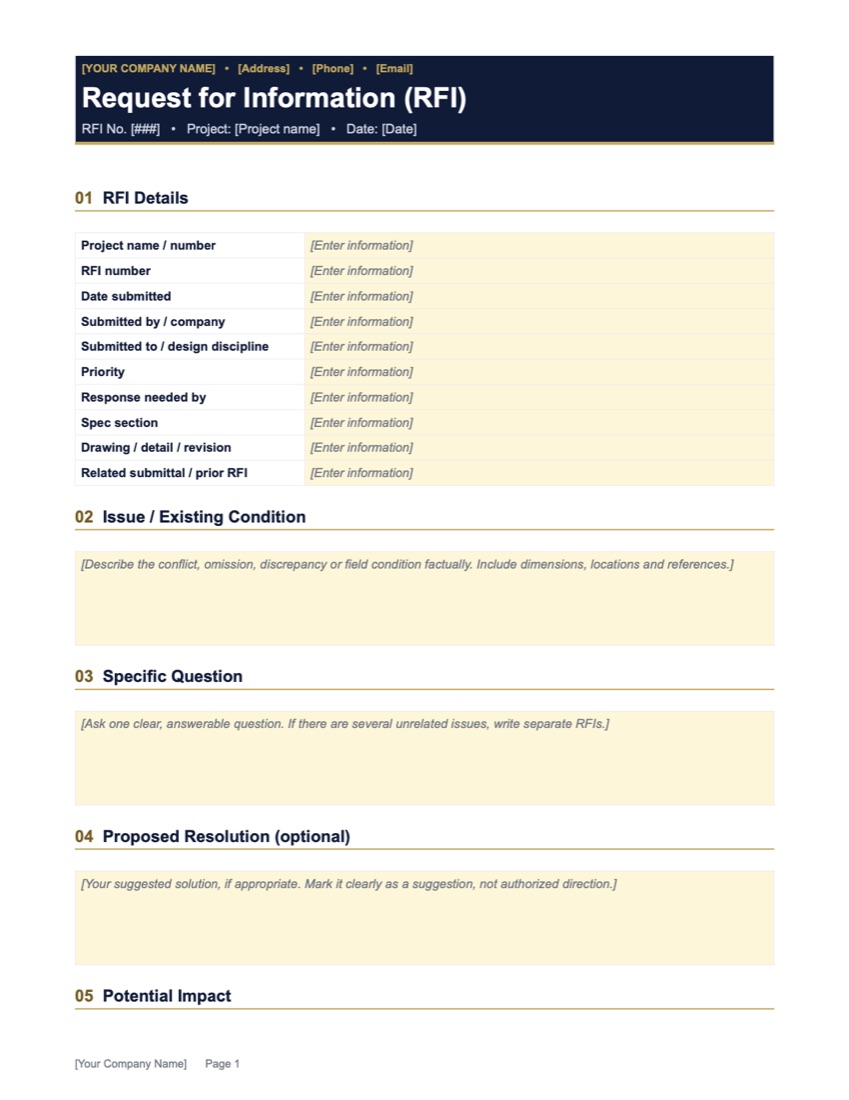
Construction RFI Template
One clear question, the references, possible impact, and a section for the official response.
View Template →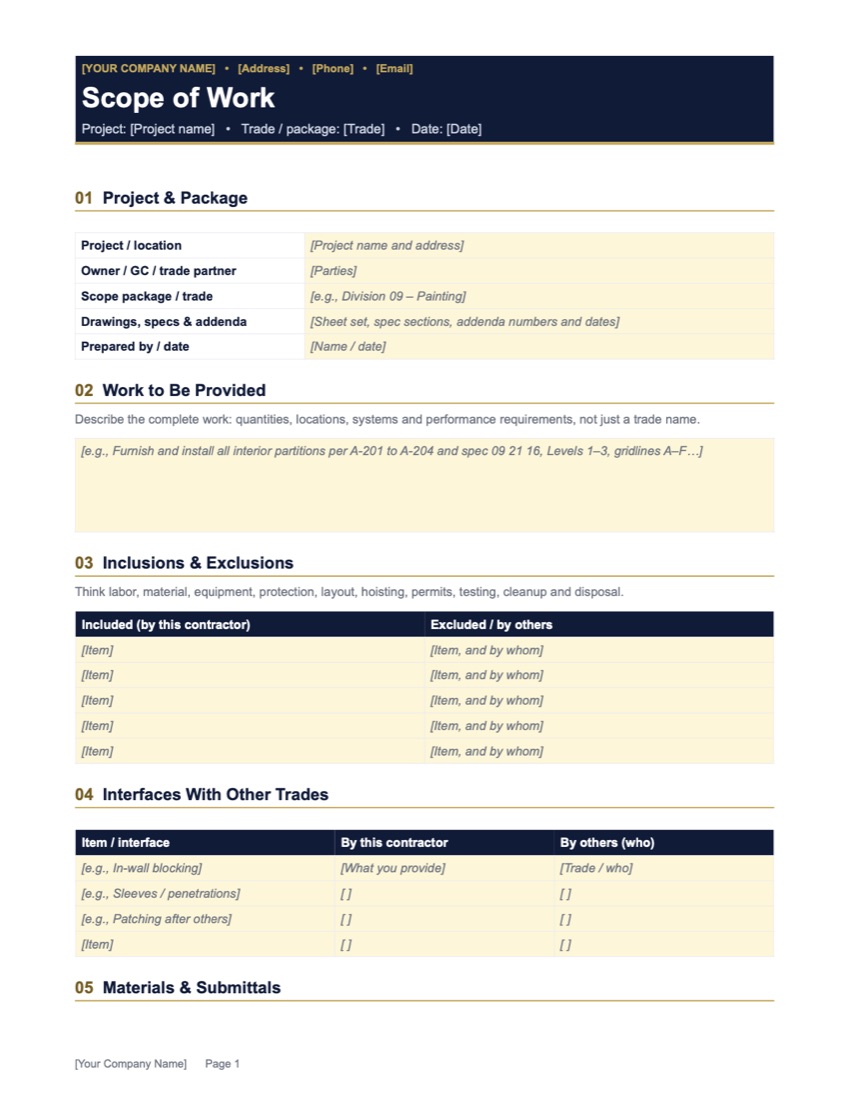
Construction Scope of Work Template
Work description, inclusions vs. exclusions, trade interfaces, submittals, schedule and closeout.
View Template →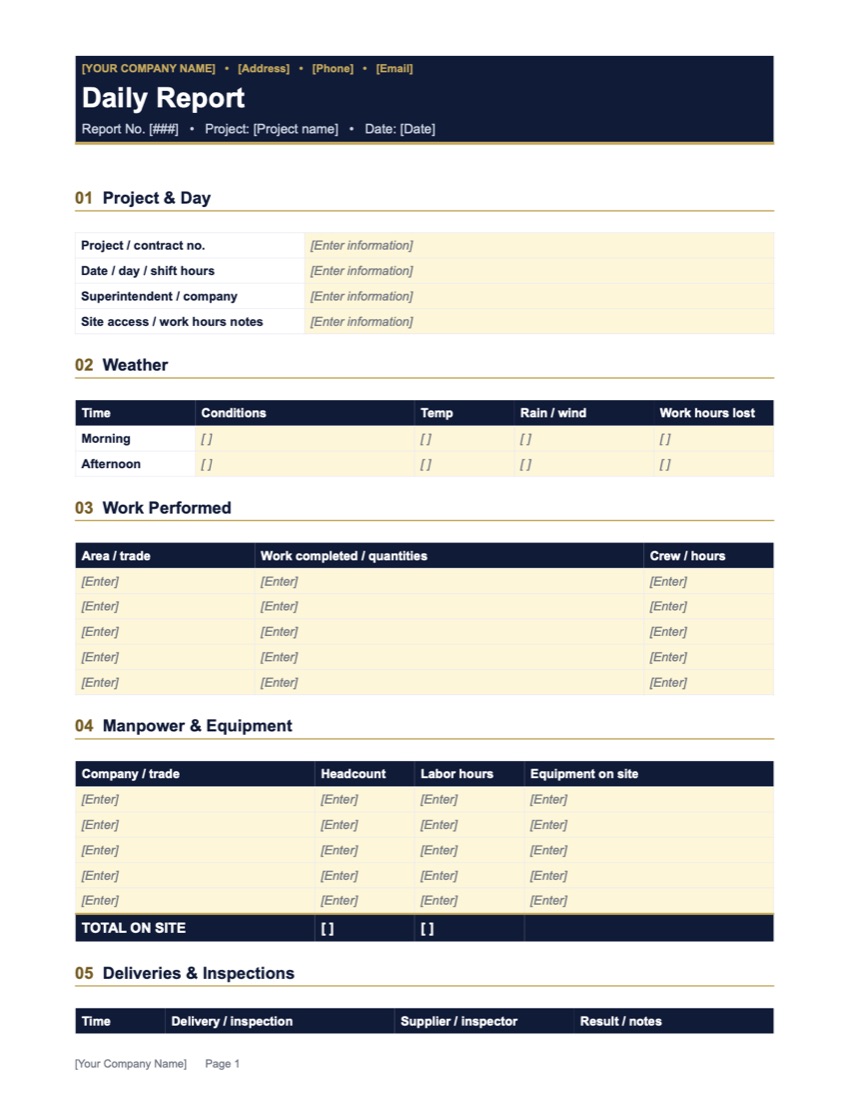
Construction Daily Report Template
Weather, work done, manpower, deliveries, inspections, delays, directions and safety. One day per report.
View Template →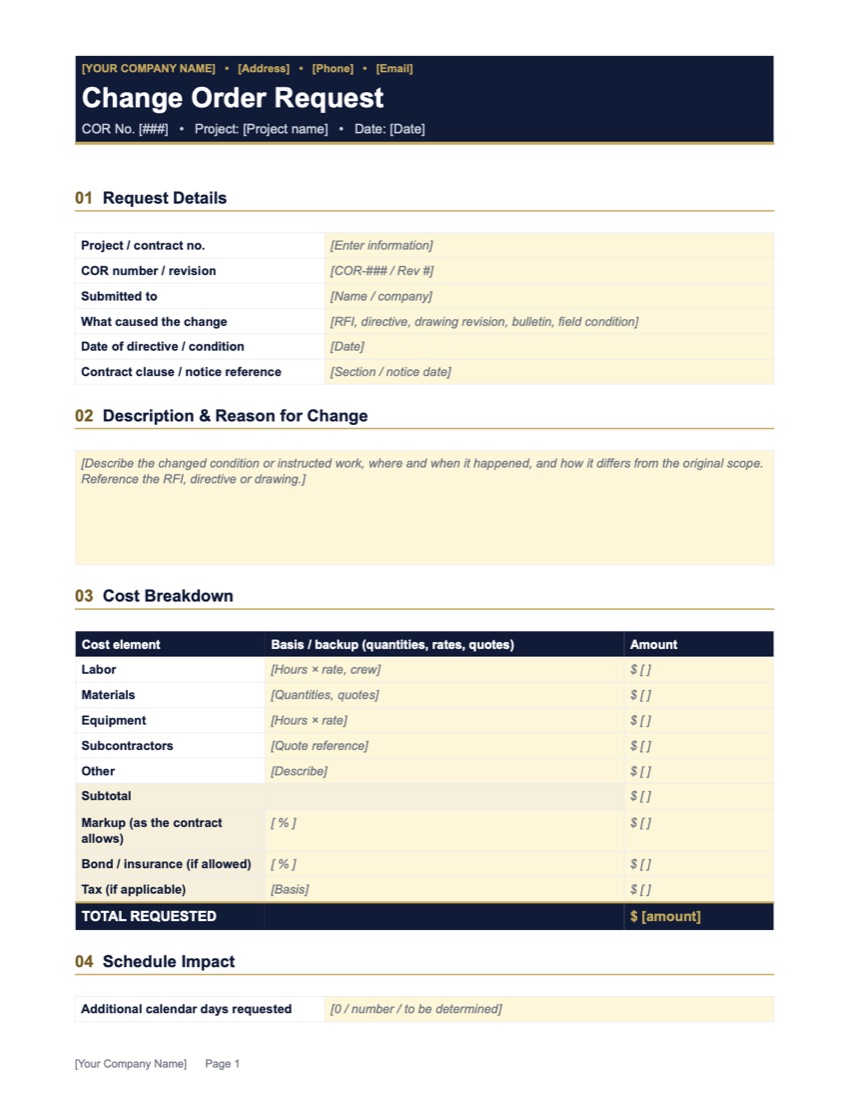
Construction Change Order Request Template
What changed, a full cost breakdown with markup, schedule impact and approval signatures.
View Template →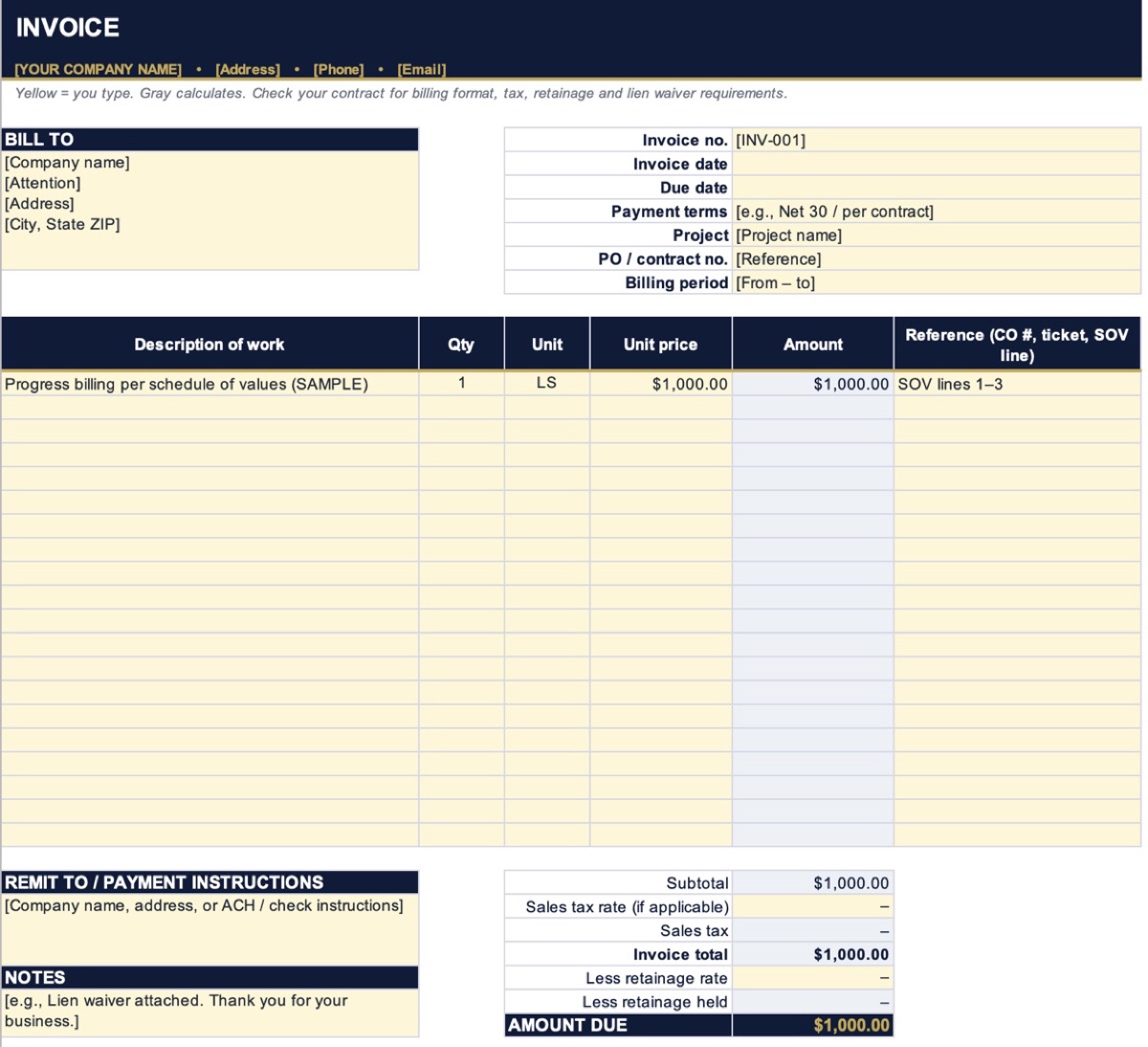
Construction Invoice Template
Bill-to, invoice details, line items, tax and retainage. Amount due calculates for you.
View Template →
Construction Schedule of Values Template
Progress billing by line: % complete, retainage and current payment due, with overbilling checks.
View Template →