Home › Free Resources › Templates › Construction Change Order Request Template
Free Construction Change Order Request Template Editable Word Document
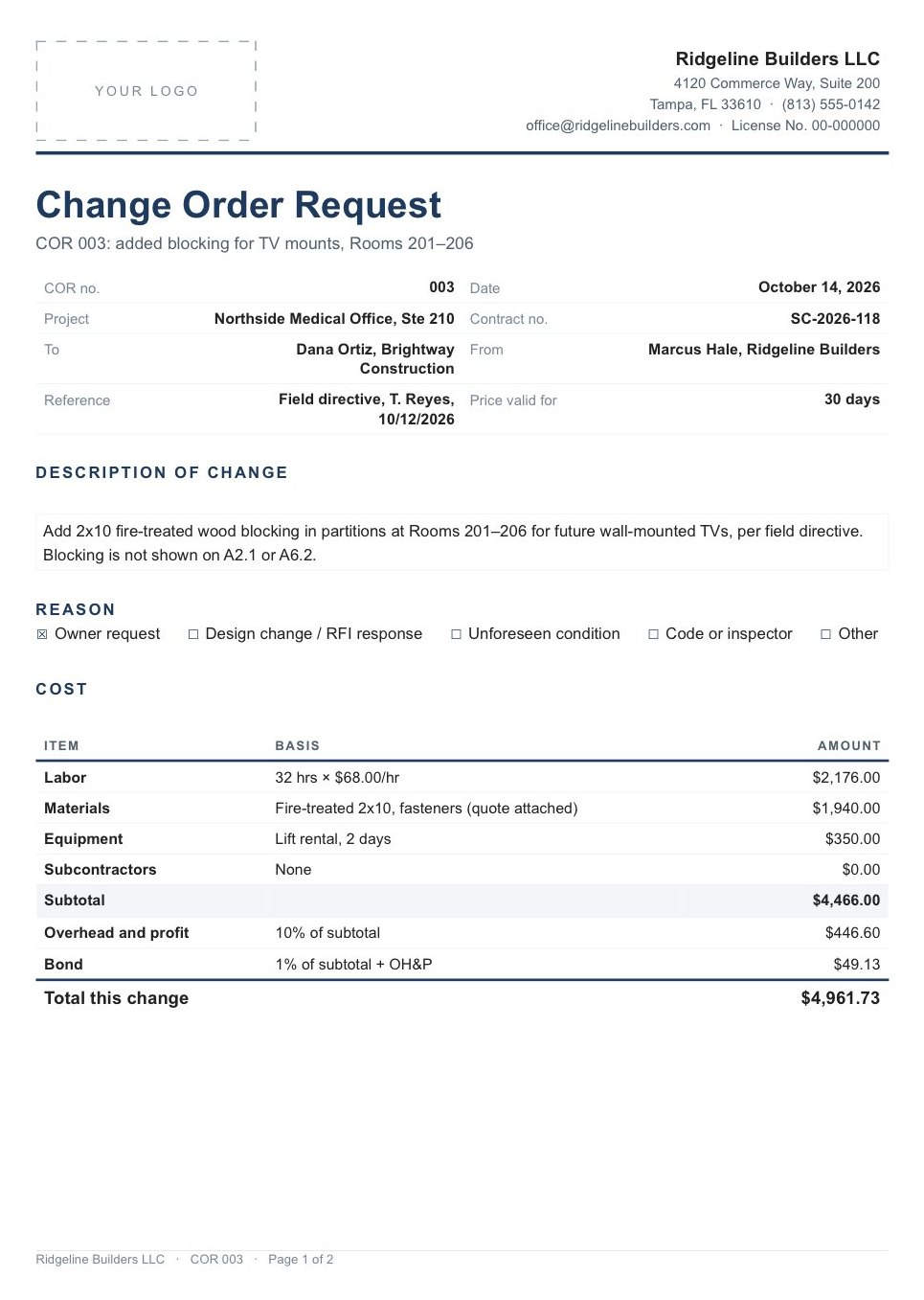
A change order request that’s easy to approve: what changed and why, a cost breakdown with overhead and profit, the new contract sum and completion date, backup, and signatures for both sides.
What’s included
- Your letterhead: a logo box and company details, then COR number, date, project, contract number, who it’s to and from, and what triggered it.
- Description and reason: what changed and where, with checkboxes for owner request, design change or RFI, unforeseen condition, code or inspector.
- Cost breakdown: labor, materials, equipment and subcontractors with their basis, subtotal, overhead and profit, bond, and the total for this change.
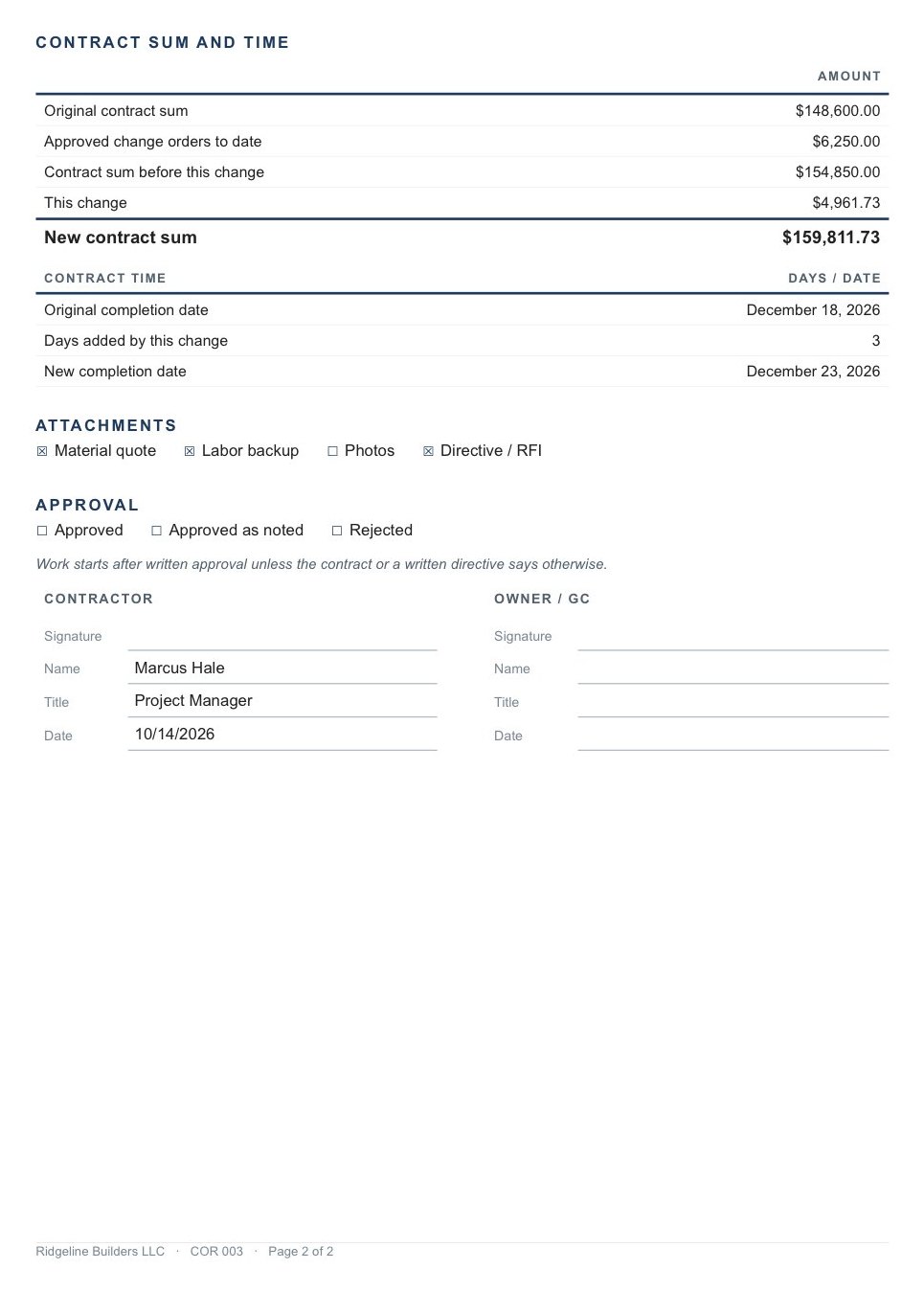
- Contract sum and time: original contract sum, approved change orders to date, this change and the new contract sum, plus days added and the new completion date.
- Attachments: checkboxes for quotes, labor backup, photos and the directive or RFI.
- Approval: approved, approved as noted or rejected, with signature blocks for you and the owner or GC.
How to use this template
- Fill in the COR number, the project and who it’s going to.
- Name exactly what triggered the change (RFI, directive, drawing revision or field condition) and the date.
- Describe the changed work and how it differs from your contract.
- Price each cost line with its basis, and apply markup only as your contract allows.
- Update the contract sum and the days added. Every CO should show the new total.
- Attach your backup, send it the way your contract requires, and start the work only after written approval.
Template preview
Shown filled in with a made-up example, so you can see what a finished one looks like. The download is blank and ready for your logo. Tap to enlarge. Open the filled-in example (PDF) →
Get your free template
Enter your email and the download starts right away. No account, no password.
How to document construction change orders
Extra work can become an expensive dispute when the instructions, costs and approvals are scattered across email and field notes. Here is a practical documentation workflow.
Contractor Profit Tracker
An Excel system for one commercial construction project. Tracks change orders, extra work, costs, billing and cash. Every Monday it tells you who to call and where your money is.
More free templates
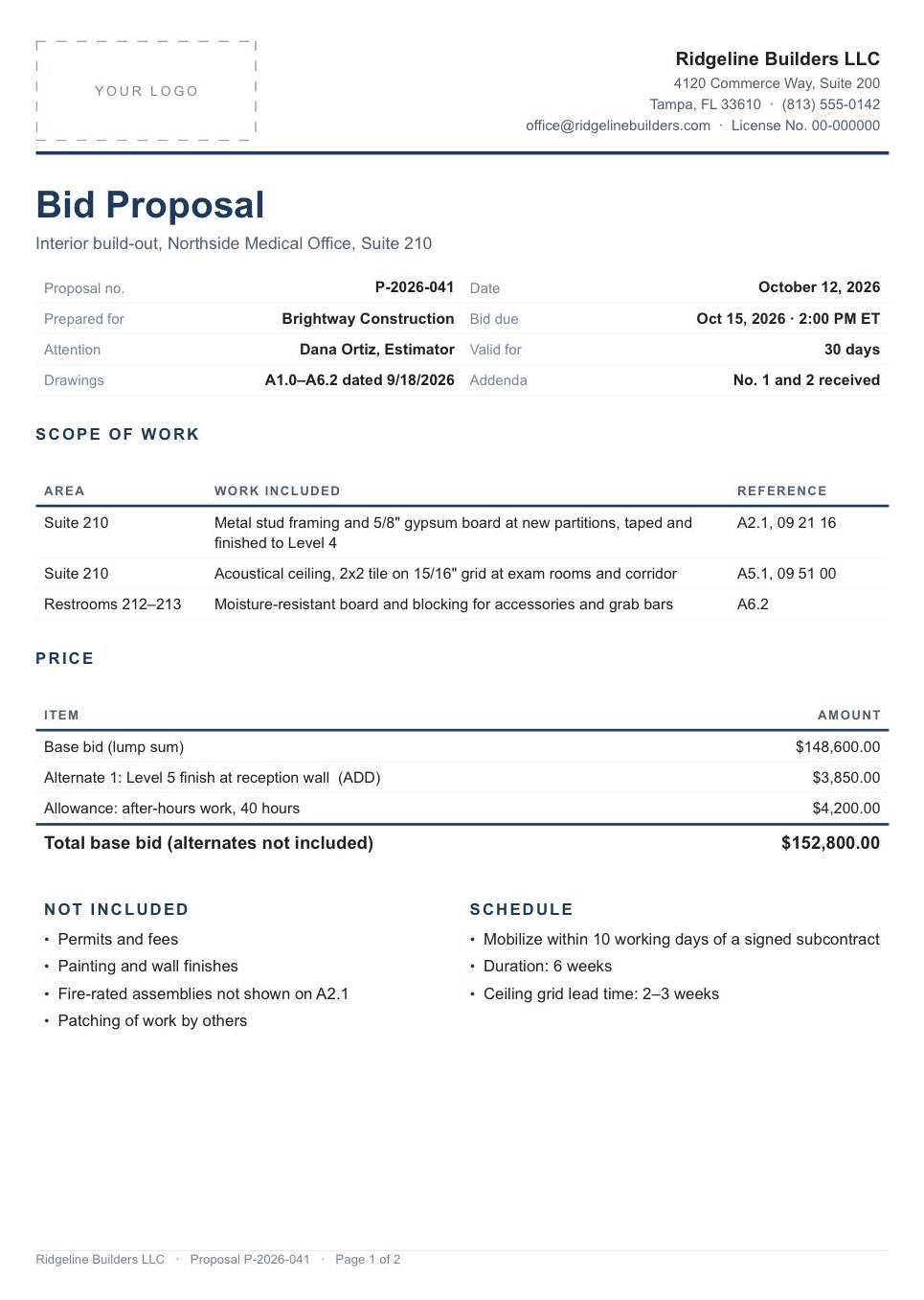
Construction Proposal Template
Project info, scope, pricing, exclusions, schedule terms and signatures. Ready to fill in.
View Template →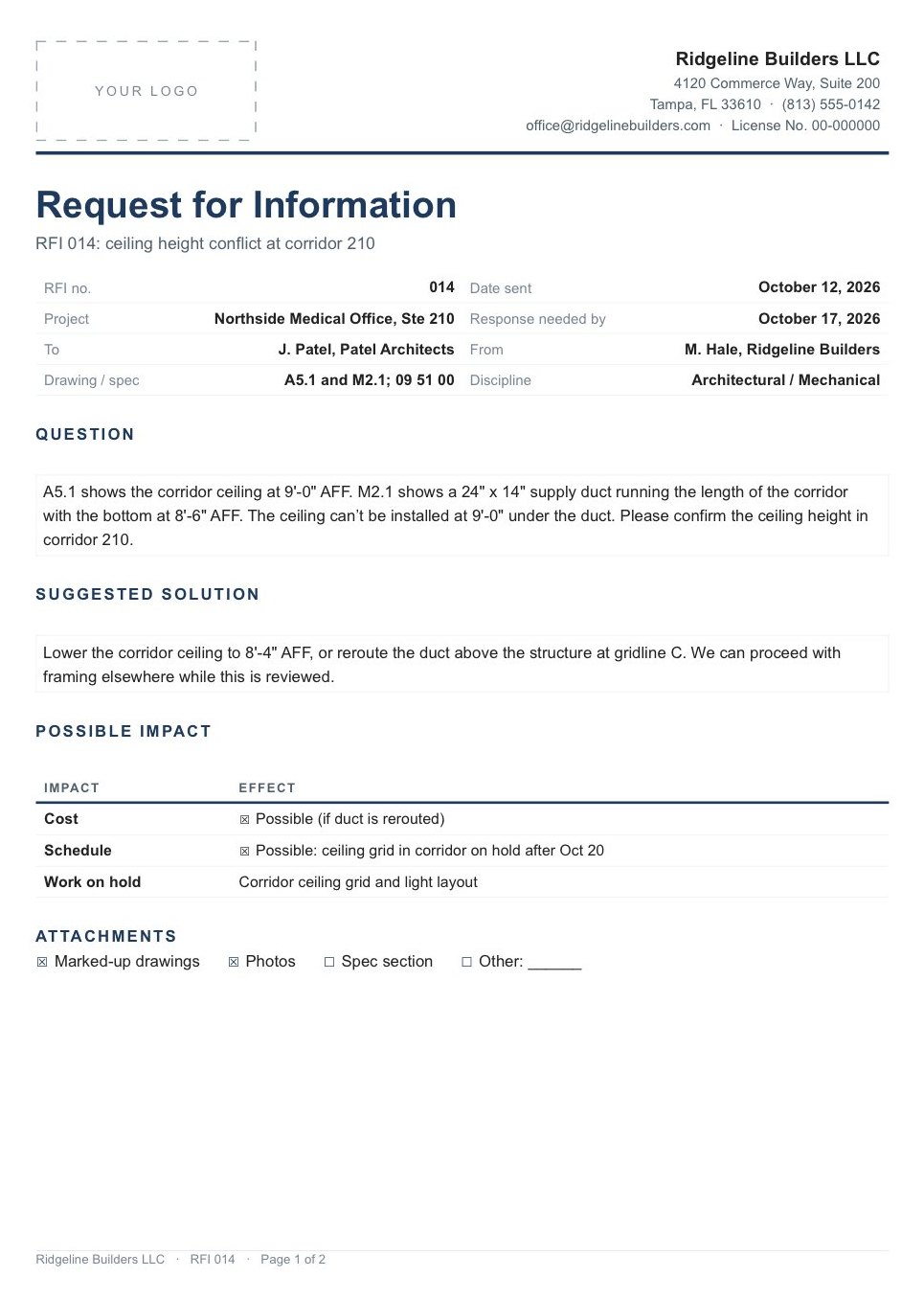
Construction RFI Template
One clear question, the references, possible impact, and a section for the official response.
View Template →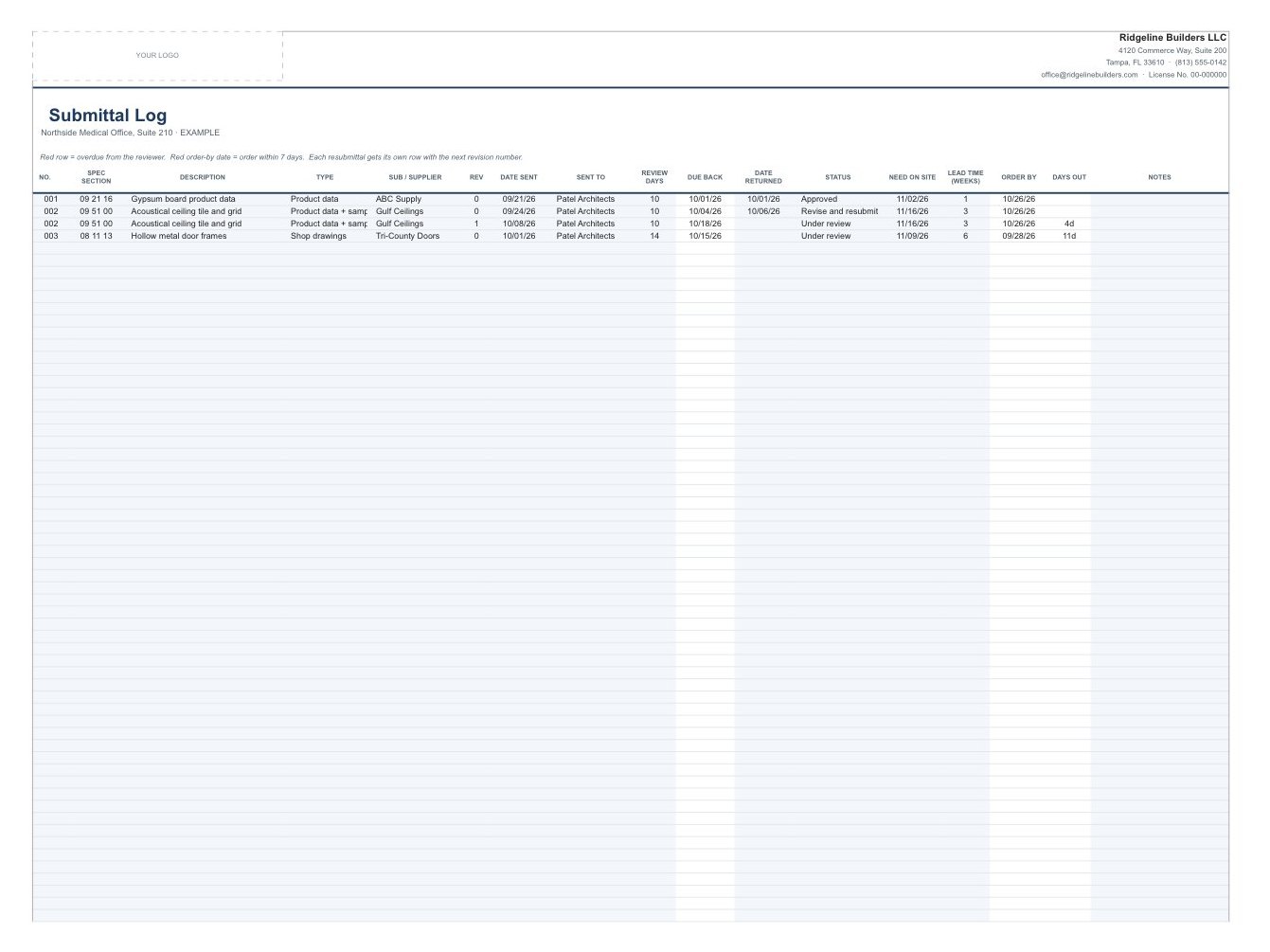
Construction Submittal Log
Track every submittal’s dates, status and reviewer, with automatic overdue flags.
View Template →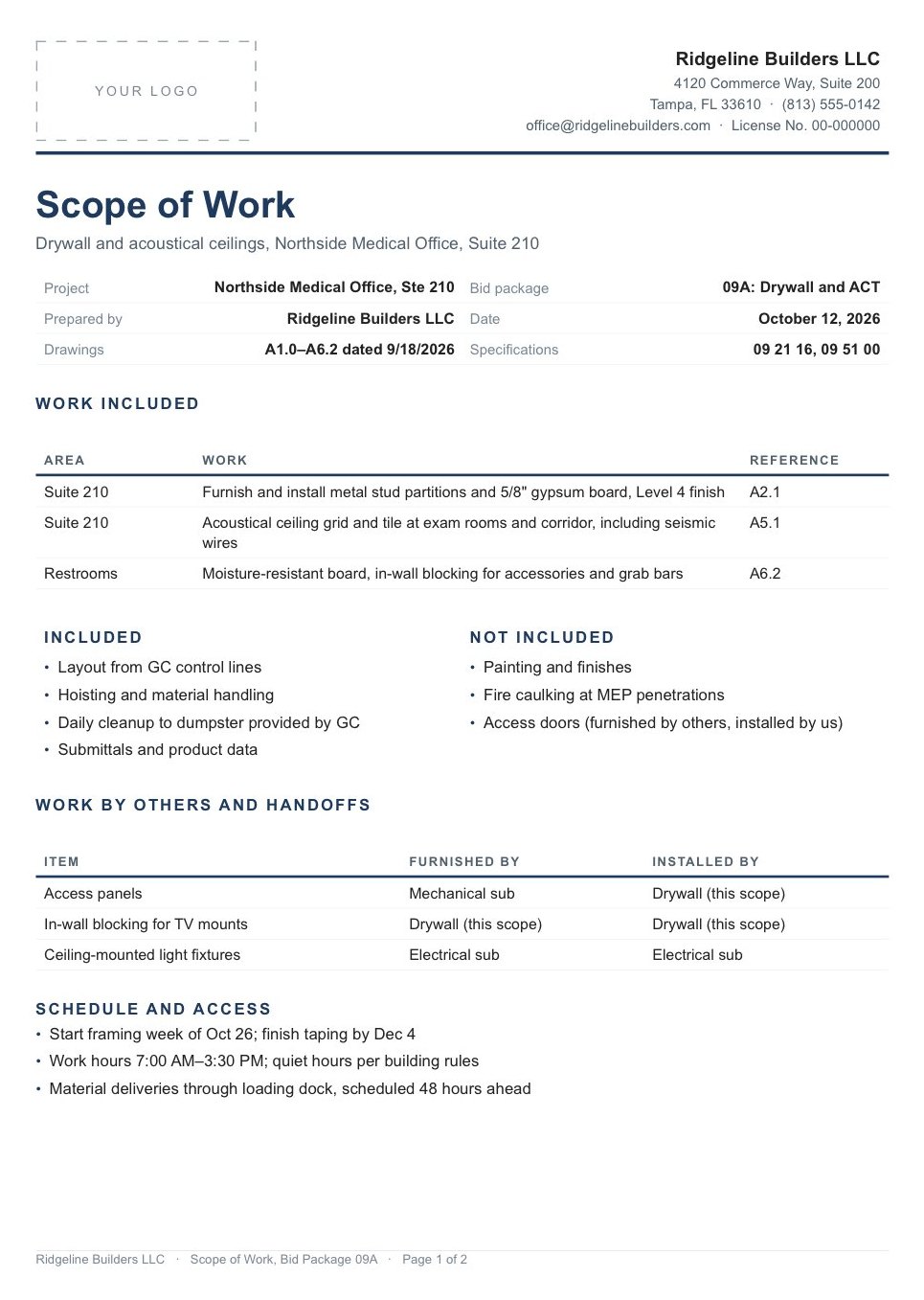
Construction Scope of Work Template
Work description, inclusions vs. exclusions, trade interfaces, submittals, schedule and closeout.
View Template →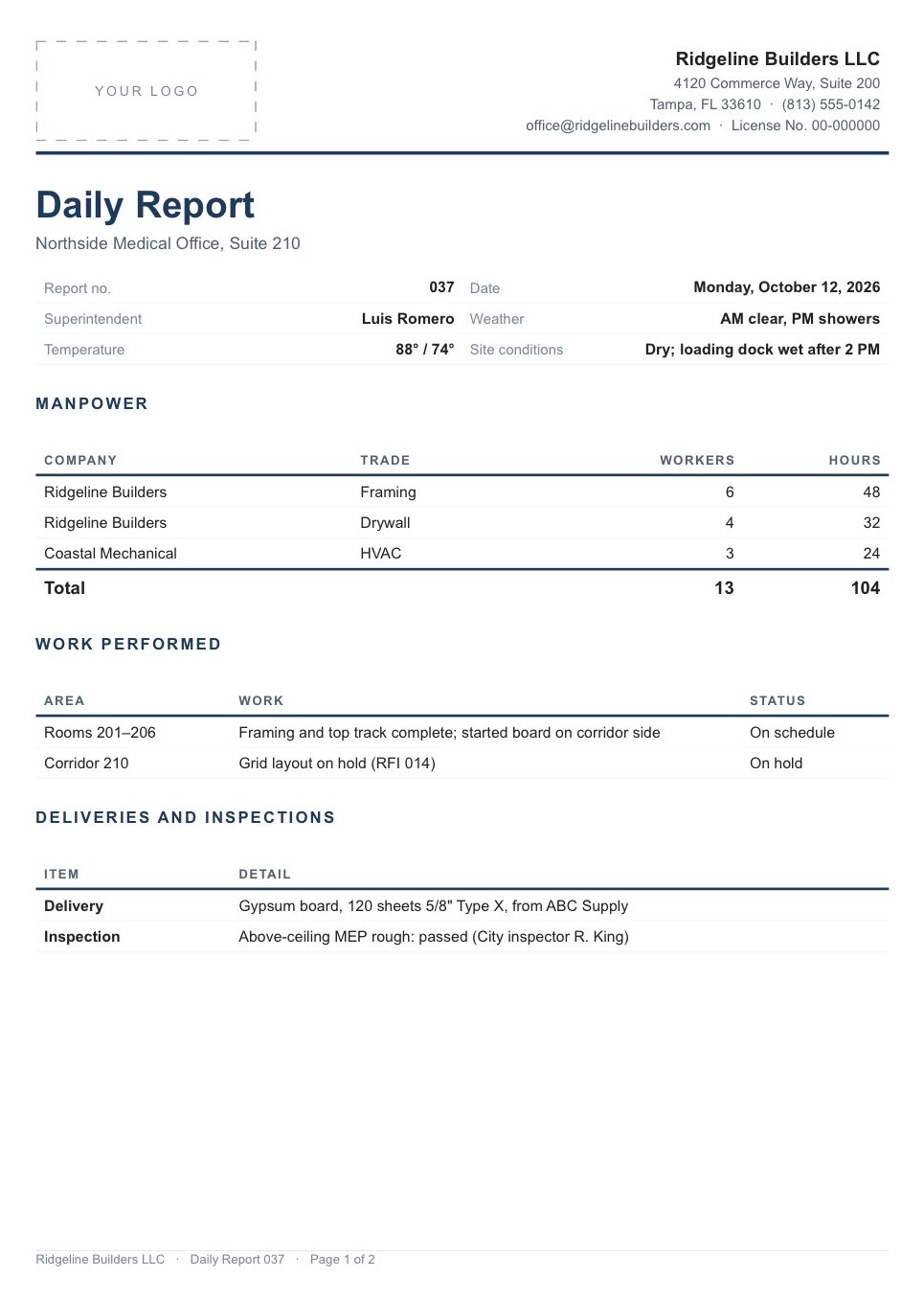
Construction Daily Report Template
Weather, work done, manpower, deliveries, inspections, delays, directions and safety. One day per report.
View Template →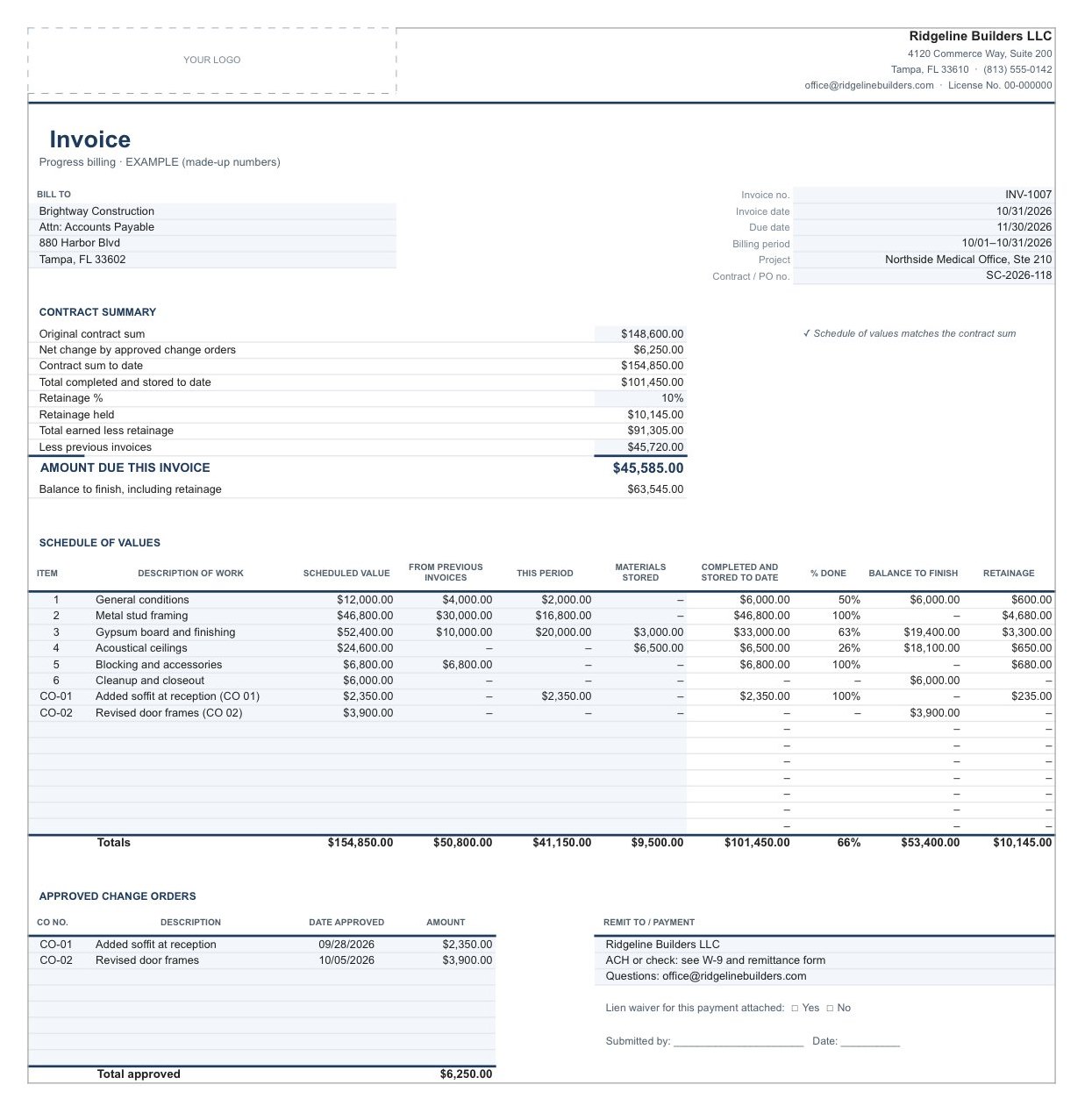
Construction Invoice Template
Progress billing with schedule of values, % complete, retainage and change orders. Amount due calculates.
View Template →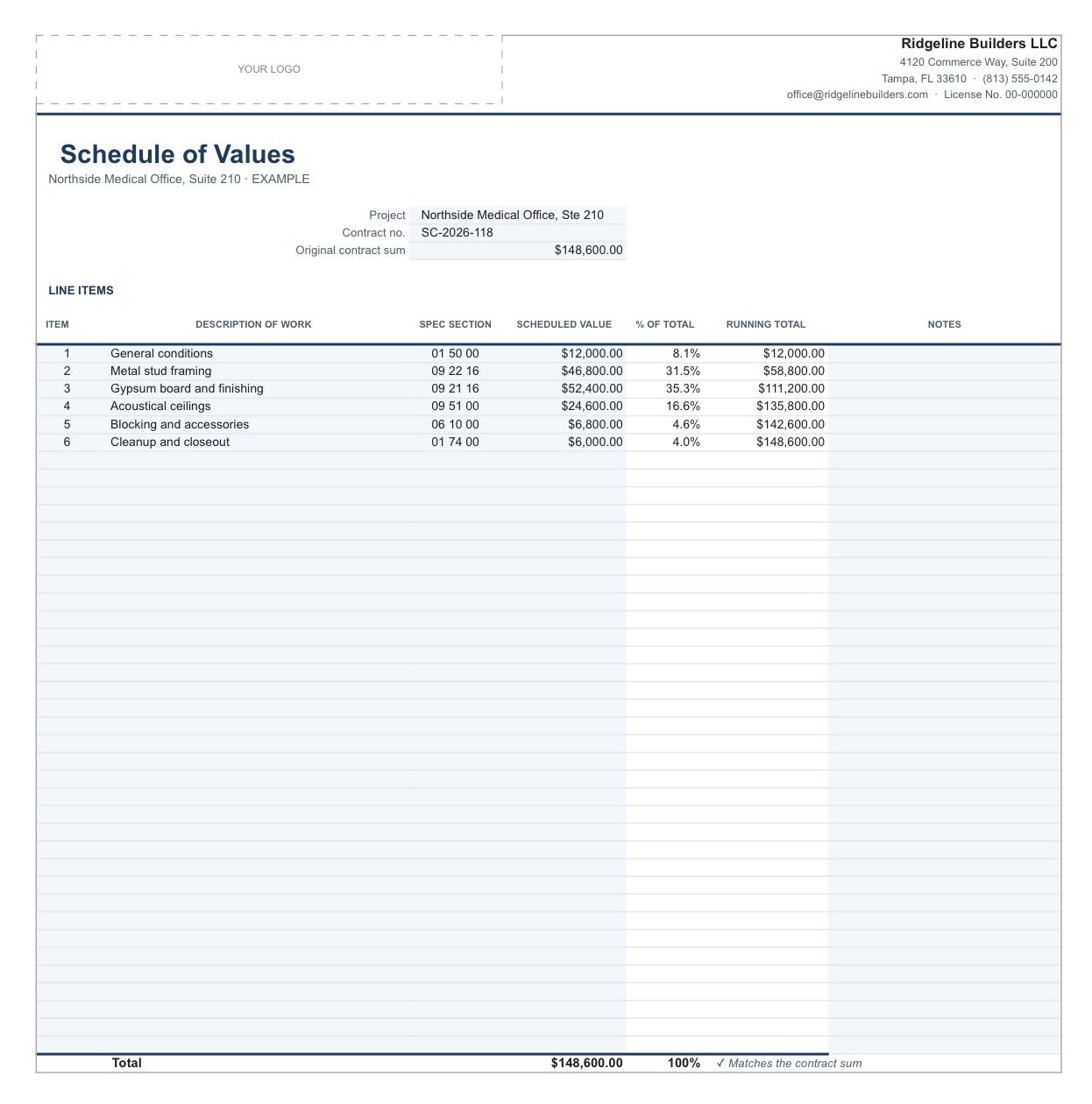
Construction Schedule of Values Template
Progress billing by line: % complete, retainage and current payment due, with overbilling checks.
View Template →